
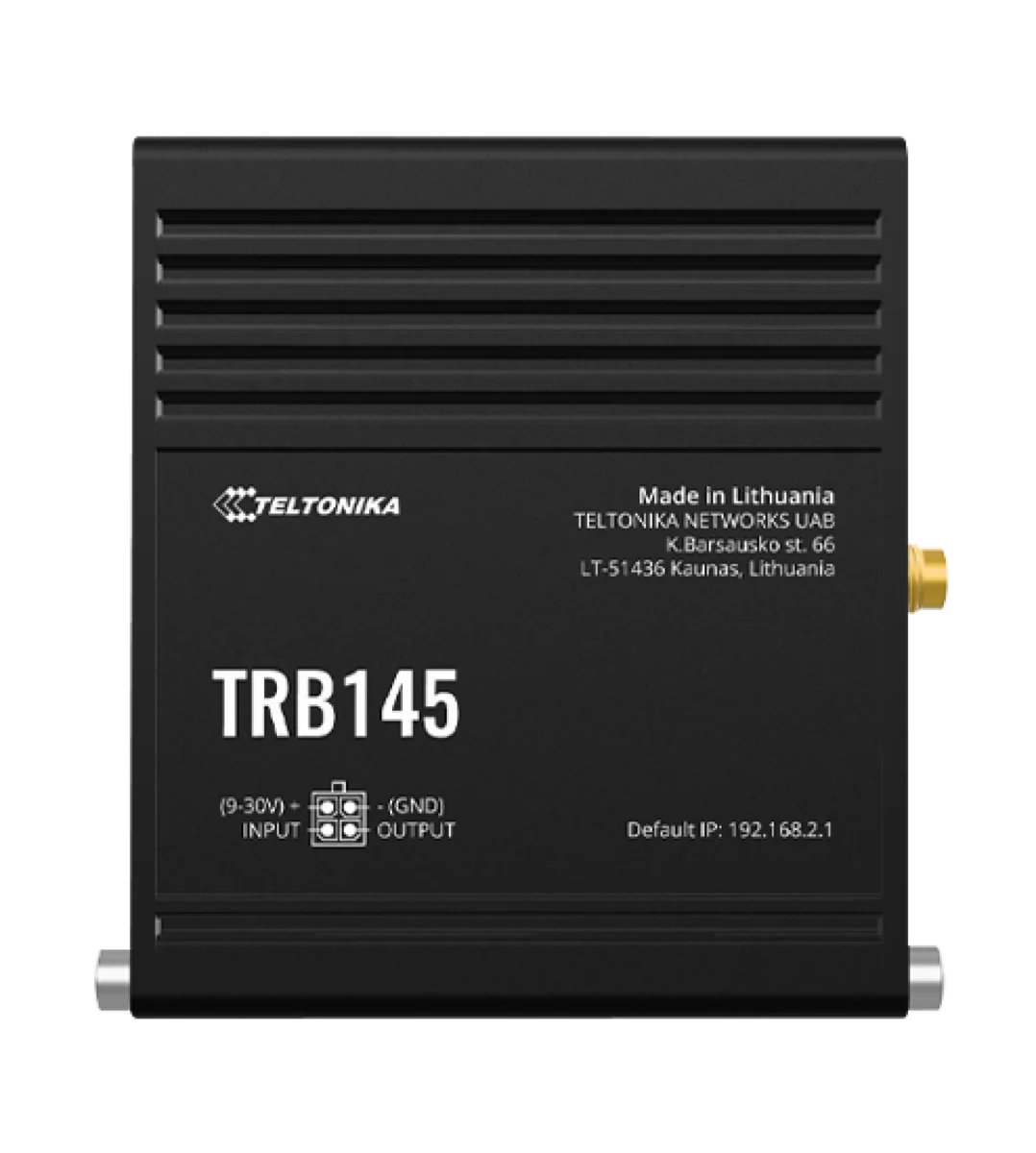
A focused cellular RS485 path
Teltonika describes TRB145 as an LTE RS485 gateway, with Modbus and DNP3 support. It belongs on a shortlist for instruments or equipment that already expose an appropriate serial interface.
- Instrument path
- RS485; Modbus and DNP3 support
- Network connection
- LTE Cat 1; regional legacy networks
- Power
- External DC supply
- Configuration check
- Check regional modem and power requirements in ordering documentation.
Confirm the modem region, antenna arrangement and local operator coverage. Supply the gateway from the documented DC input and check the complete power requirement. Hardware integration also includes the serial wiring, isolation and protective equipment required by the attached device.
An RS485 port describes the electrical connection. The equipment’s protocol, address and data format determine whether the gateway can read useful values. Request the device manual and its current register map before preparing a configuration.
Map each value explicitly
For a Modbus instrument, record the serial settings, device address, function code, register location, data type and units. A temperature reported as an integer may need a scale factor. A multi-register number requires the documented byte and word order.
For example, a register value of 253 represents 25.3 °C only if the instrument manual specifies a scale of 0.1 °C per count. Save that scale with the configuration so another technician can check the interpretation after a firmware or instrument change.
Choose the polling interval around the instrument’s update rate and the application’s need. Excessive polling can add serial traffic without producing new measurements. Flag exceptions and timeouts so a stale value remains distinguishable from a fresh observation.
Verify the services in the delivered firmware
Teltonika’s Modbus documentation describes server and client functions and an RS-device client configuration. Its summary notes that some Modbus TCP and MQTT functions can require additional software packages on some devices. Confirm the installed firmware, available services and supported configuration before commissioning.
Document which component initiates the request and which responds. A configuration that exposes gateway system parameters serves a different purpose from polling an attached instrument. The intended instrument-to-application path should be clear in the system record.
Protect remote access with the gateway’s supported authenticated connection and a maintained credential process. Confirm subscription terms for any remote-management service, and retain a recovery procedure for a lost or changed SIM.
Verify the complete data path
- Read locally: establish the instrument output and serial settings using its documented diagnostic method.
- Check one register: compare the gateway result with a known instrument value, including scaling and units.
- Confirm delivery: verify device identity and measurement time in the destination application.
- Exercise an interruption: test the documented reconnect and data-retention behavior in a controlled setup.
- Document the configuration: retain firmware version, modem option, serial settings and each mapped measurement.
For control outputs or writable registers, isolate the commissioning test from operating equipment. Confirm access permissions, manual override and the state after restart or lost communication before enabling a process action.
When a different gateway architecture helps
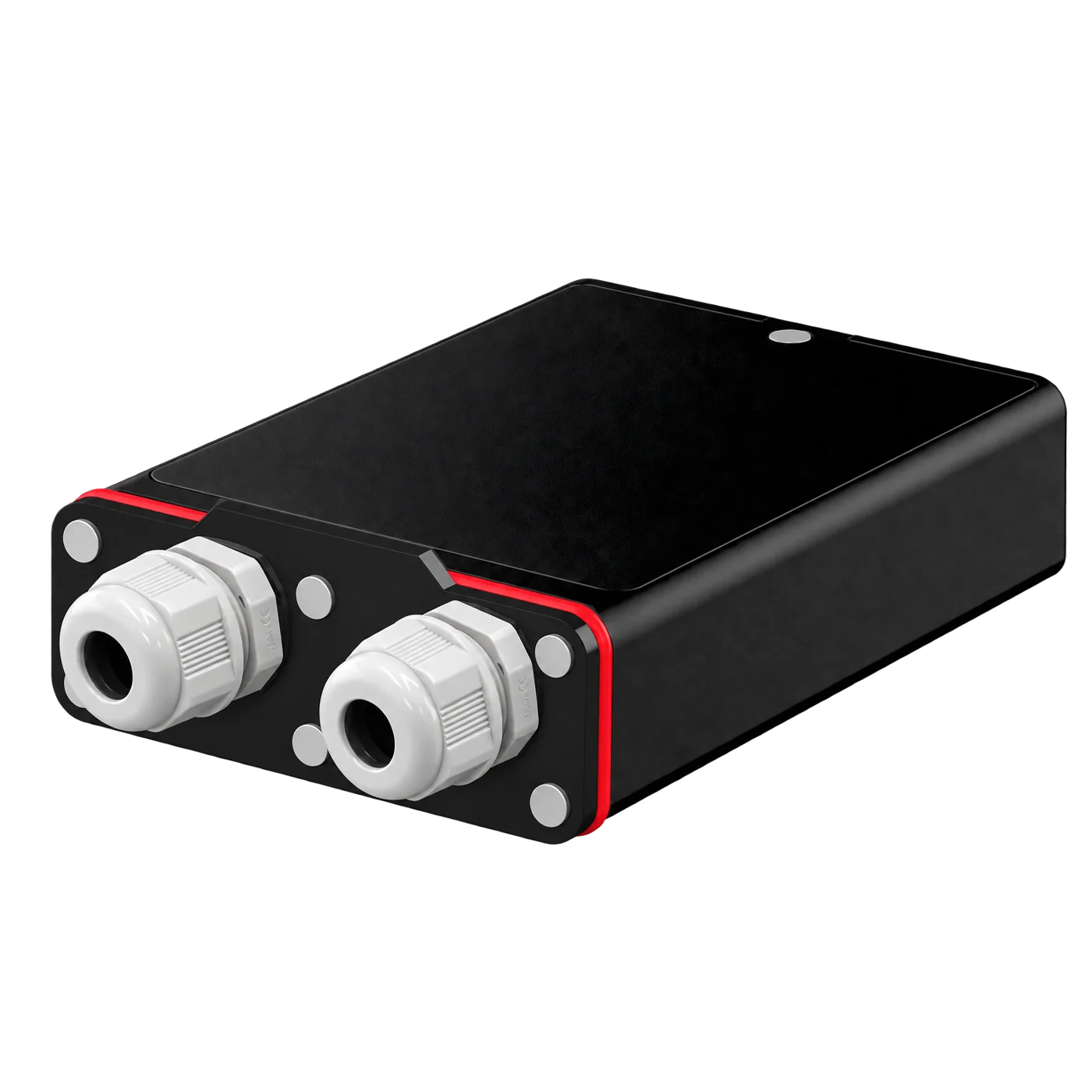
Pulse is a modular alternative for a project that combines several environmental instrument interfaces. Its shop offers SDI-12 and flowmeter module choices and a 4G modem option. Ask for the supported RS485/Modbus configuration when that interface is part of the site.
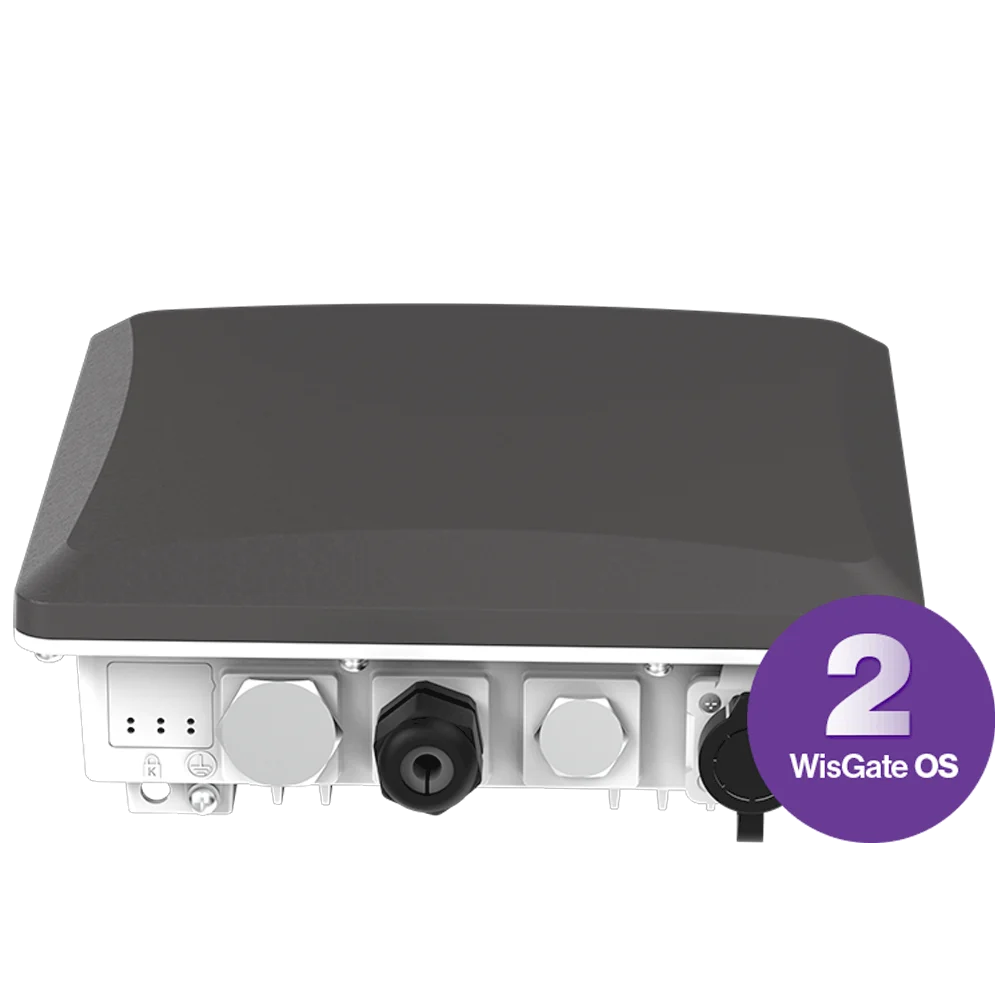
A dedicated LoRaWAN gateway becomes relevant when instruments communicate through provisioned wireless nodes. Include any serial-to-node converter, its protocol implementation and its power supply in the system cost.
TRB145 is a focused candidate when cellular RS485 communication is the central requirement. Select it after the exact instrument path, firmware functions and regional modem have been checked. This review does not establish direct SDI-12 support or site-specific operating performance.
View Teltonika’s product page ↗Source notes
Sources and references
Manufacturer and standards sources checked 13 October 2026. Specifications describe published configurations and may require options. Assessments are based on documentation.